
Expressions and small gestures
Start with useful short-form motions such as blinking, smiling, waving, nodding or looking toward the camera.
KIVIDE AIGenerate AI videos & images with premium models. No credit card needed.
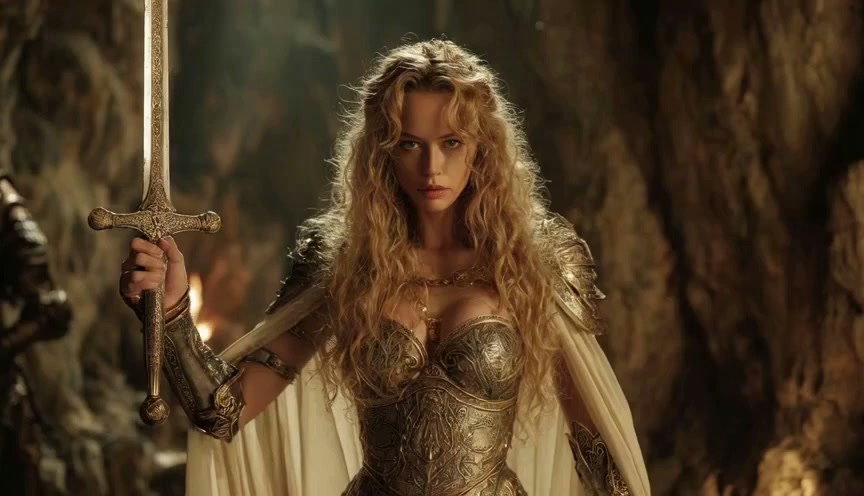
 VTuber creator workflow
Create a quick motion draft from a VTuber avatar or streamer portrait. Use simple expression, gesture and camera prompts for teasers, announcements and social clips.
AI Video
Start with useful short-form motions such as blinking, smiling, waving, nodding or looking toward the camera.
Use vertical output for stream announcements, schedule posts, reaction clips, intros and community updates.
Generate a small variation first, then refine the prompt instead of spending time on a long scene.
Move from avatar reference to a usable clip in one page, with model choices available when a result needs a different style.
Upload a portrait, model sheet or image you own or are authorized to use.
Choose an expression, gesture, camera move or loop that matches your next post.
Review the first clip, adjust the motion and download a version ready for your social feed.


